Two requirements: (1) Device must have an eSIM chip — dial *#06# to check for EID number. (2) Device must be carrier-unlocked — contact your carrier to verify.
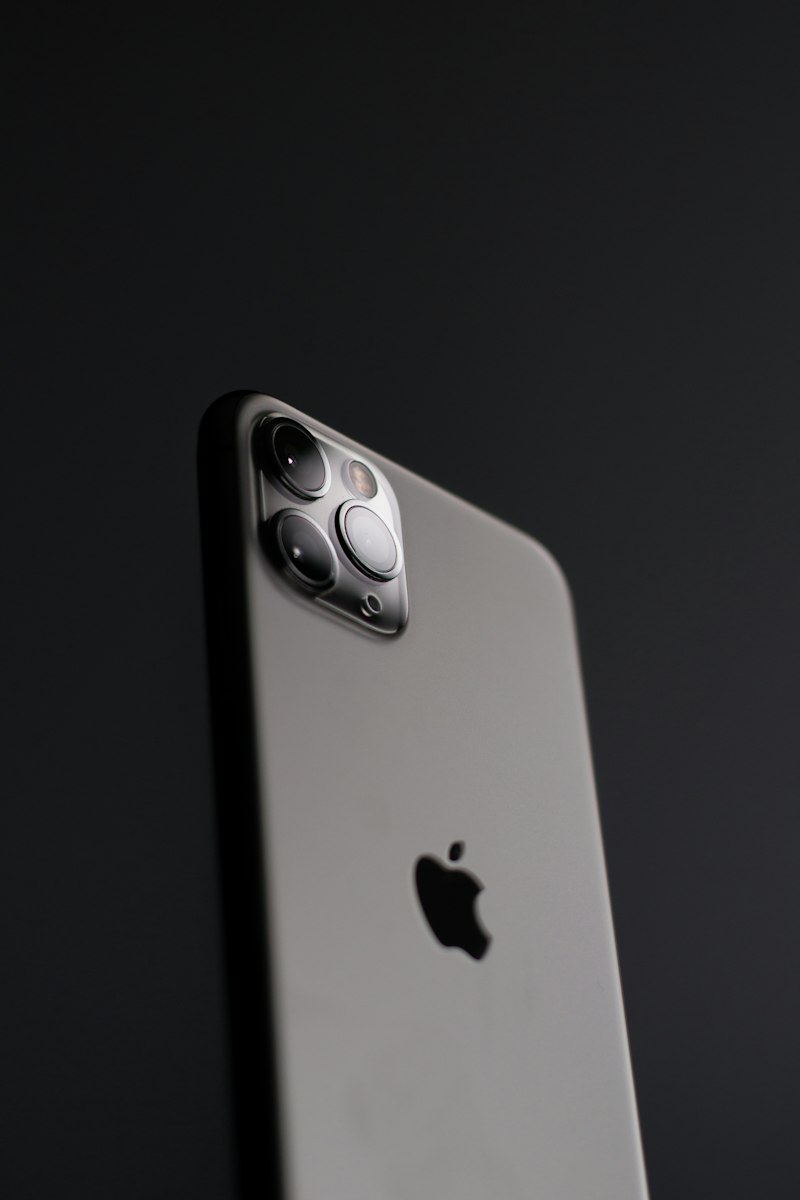
Apple iPhone
| Model | eSIM | Dual Active SIM | Max Profiles | Notes |
|---|---|---|---|---|
| iPhone 16 series | Yes | Yes | 8+ | eSIM-only in US |
| iPhone 15 series | Yes | Yes | 8 | Dual SIM intl |
| iPhone 14 series | Yes | Yes | 8 | eSIM-only in US |
| iPhone 13 series | Yes | Yes | 5 | Dual SIM |
| iPhone 12 series | Yes | Yes | 5 | Dual SIM |
| iPhone 11 / XS / XR | Yes | Yes | 5 | First eSIM iPhones |
| iPhone X and earlier | No | No | — | Physical SIM only |
Samsung Galaxy
| Model | eSIM | Notes |
|---|---|---|
| Galaxy S25 / S24 / S23 series | Yes | Check regional variant |
| Galaxy Z Fold 5/6, Z Flip 5/6 | Yes | Foldable flagships |
| Galaxy S22 / S21 / S20 | Yes | Check regional variant |
| Galaxy A-series (most) | No | Physical SIM only |
Google Pixel
| Model | eSIM | Notes |
|---|---|---|
| Pixel 9 / 8 / 7 / 6 series | Yes | All models from Pixel 3+ |
| Pixel 3 / 4 / 5 | Yes | Dual SIM |
| Pixel 2 and earlier | No | Physical SIM only |
Other Manufacturers
| Brand | Model | eSIM | Notes |
|---|---|---|---|
| Motorola | Razr 40/50 series | Yes | Foldable flagship |
| Motorola | Edge 50 Pro/Ultra | Yes | Premium mid-range |
| Motorola | Moto G series | No | Physical SIM only |
| Xiaomi | 14 Ultra (intl) | Partial | International variant only |
| Xiaomi | Redmi / POCO | No | No eSIM support |
How to verify: iPhone — Settings → General → About → EID field. Android — Settings → About Phone → SIM Status. If EID appears, eSIM chip is present.